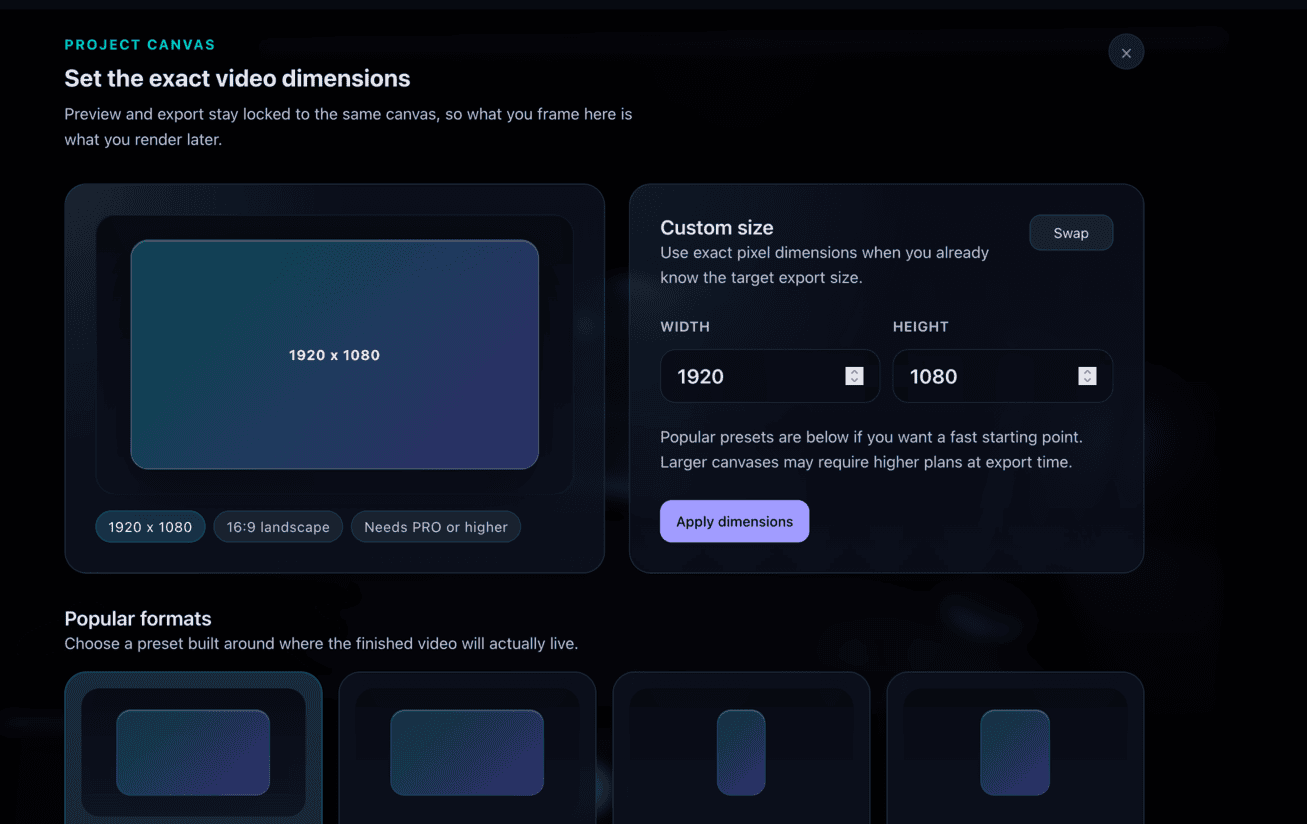
Canvas dimensions set the frame size and aspect ratio for your entire project. You choose the dimensions at the start, and every component, template, and scene is laid out to fit that frame, so what you build is already sized for where you plan to use it.
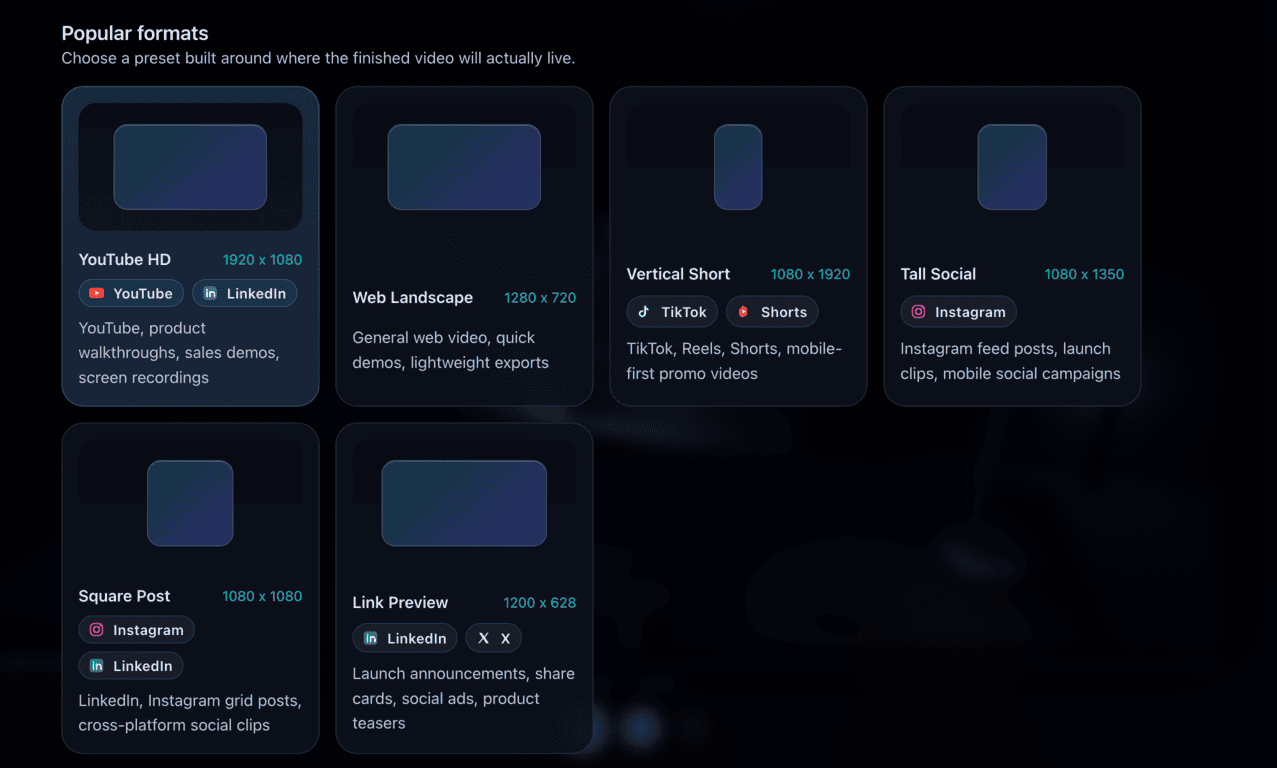
Built-in Format Presets
Instead of remembering pixel values, choose from presets matched to where your video will be published:
YouTube HD
1920 × 1080
YouTube, LinkedIn, product walkthroughs, screen recordings.
Web Landscape
1280 × 720
Web embeds, quick demos, lightweight exports.
Vertical Short
1080 × 1920
TikTok, Reels, Shorts, mobile-first promo videos.
Tall Social
1080 × 1350
Instagram feed posts, launch clips, mobile social campaigns.
Square Post
1080 × 1080
LinkedIn, Instagram grid posts, cross-platform social clips.
Link Preview
1200 × 628
LinkedIn, X, launch announcements, share cards, product teasers.
Why It Matters
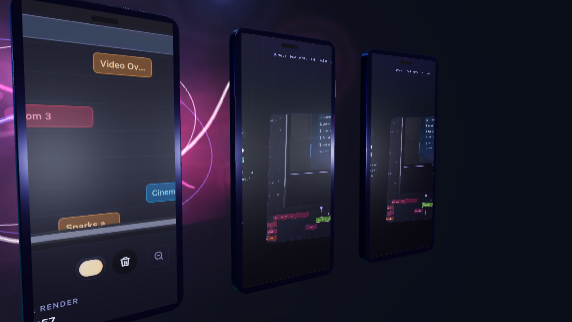
Templates and components adapt to the canvas size you select. A portrait canvas gives more vertical space for mobile app flows and tighter callouts, while a landscape canvas makes room for environments, labels, and side-by-side layouts. Picking the right dimensions up front means less rework when you export.