The components panel is where AppVideoStudio becomes fast. Instead of designing every motion treatment from scratch, you start from parts that already understand how product marketing videos tend to work.
Not Just Generic Motion Graphics
Many motion libraries are built for broad use. That sounds flexible, but it also means you spend a lot of time adapting them back to software. AppVideoStudio's panel is more opinionated. It leans into the recurring patterns that show up in app walkthroughs and launch videos.
- Annotation callouts for pointing at UI details.
- Browser and device framing for product context.
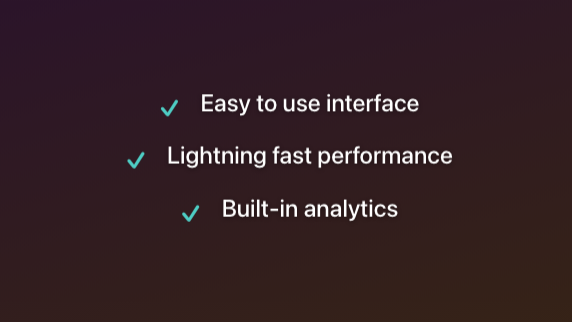
- Feature lists, stat counters, and testimonial blocks for narrative structure.
- Backgrounds and motion overlays that make software feel staged instead of screen-recorded.

Why This Matters
A good components panel lowers the cost of iteration. If you want to reframe a section of the video, you do not need to rebuild the entire composition. You swap in another component, adjust timing, and keep moving.
This is also how the product stays approachable. The panel gives newer users a strong visual vocabulary immediately, while experienced teams can mix parts together into more custom sequences.