3D scenes are the core of AppVideoStudio. The idea that started the product is simple: software deserves real environments, not just flat screen recordings on a white background. A 3D scene places your app inside a designed world with lighting, depth, camera angles, and atmosphere that would normally require a dedicated 3D artist and hours of rendering.
The problem is that building these scenes from scratch is genuinely difficult. Setting up a 3D environment means dealing with modeling, materials, lighting rigs, camera paths, and render settings. That complexity is exactly what AppVideoStudio absorbs. Each scene is pre-built and exposed through the components panel as a set of controls: you pick a scene, drop your screenshot or screen recording in, and adjust the parameters that matter for your video. The 3D work is already done.
Available Scenes
Current library
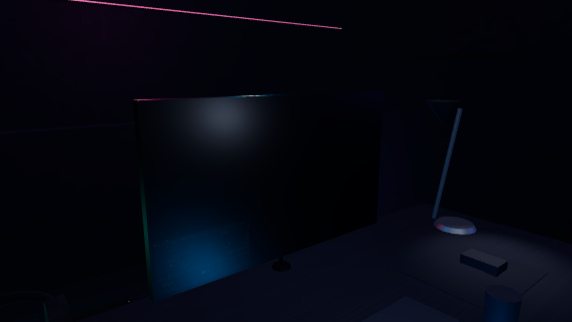
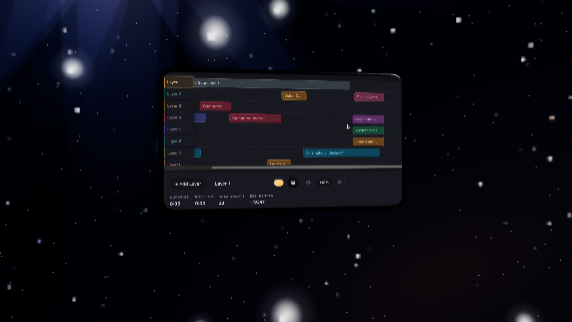
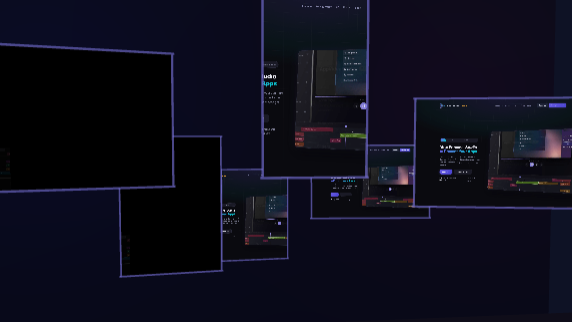
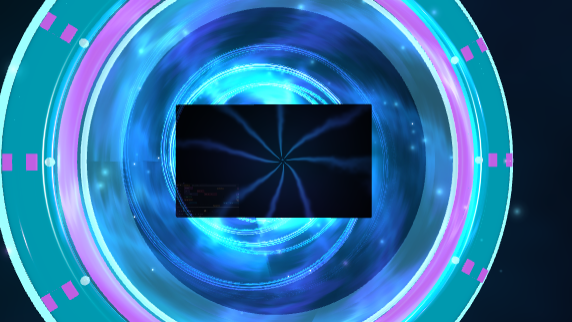
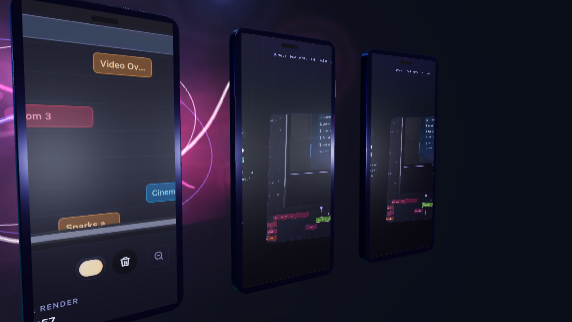
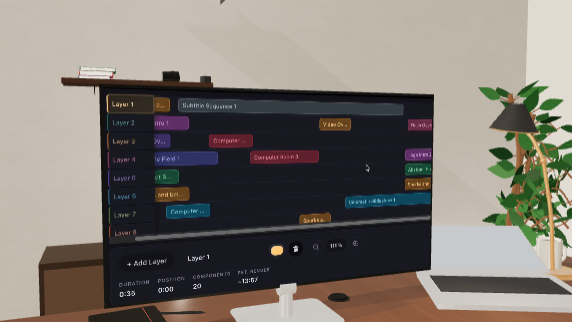
City Balcony and Floating Film Strip are in progress. New scenes ship on a regular schedule, so the library keeps expanding instead of freezing at launch.
Simplifying a Complex Process
Each scene is controlled through the same panel interface used by every other component in AppVideoStudio. Instead of navigating a 3D viewport, you work with labeled controls: screen placement, camera distance, lighting mood, animation speed. The scene does the rest. This means someone with no 3D experience can use an environment that would take a skilled artist significant time to set up manually.
The tradeoff is intentional. Full 3D authoring tools give you total control and total responsibility. AppVideoStudio gives you curated environments with meaningful controls exposed and the complexity hidden. The goal is production-quality output without the production-quality learning curve.
Expanding into 3D
Many presentation techniques that are traditionally done in 2D, device framing, split screens, comparison layouts, work fine flat. But there is real value in bringing them into 3D space where lighting, perspective, and depth can add weight to what would otherwise be a simple overlay. Over time, we plan to take concepts that people are used to seeing as flat composites and rebuild them as 3D scenes where it makes the result meaningfully better.
That said, not everything needs to be 3D. Overlays, text treatments, annotations, and effects like confetti or film grain are 2D by nature and stay that way. The point is not to force everything into a third dimension, it is to use 3D where it actually elevates the presentation and keep things flat where flat is the right answer.
Long-Term Direction
3D scenes are not a secondary feature. They are the reason the product exists. The plan is to continue designing, building, and shipping new scenes for years. Each new scene opens up a different kind of video, a different mood, a different framing, a different way to present software. The library grows, and every scene that ships becomes available to every project going forward.