The timeline is the center of AppVideoStudio because that is where a product story becomes an actual sequence. You decide when scenes, overlays, and other components appear, how long they stay on screen, and how they overlap, all in one place.
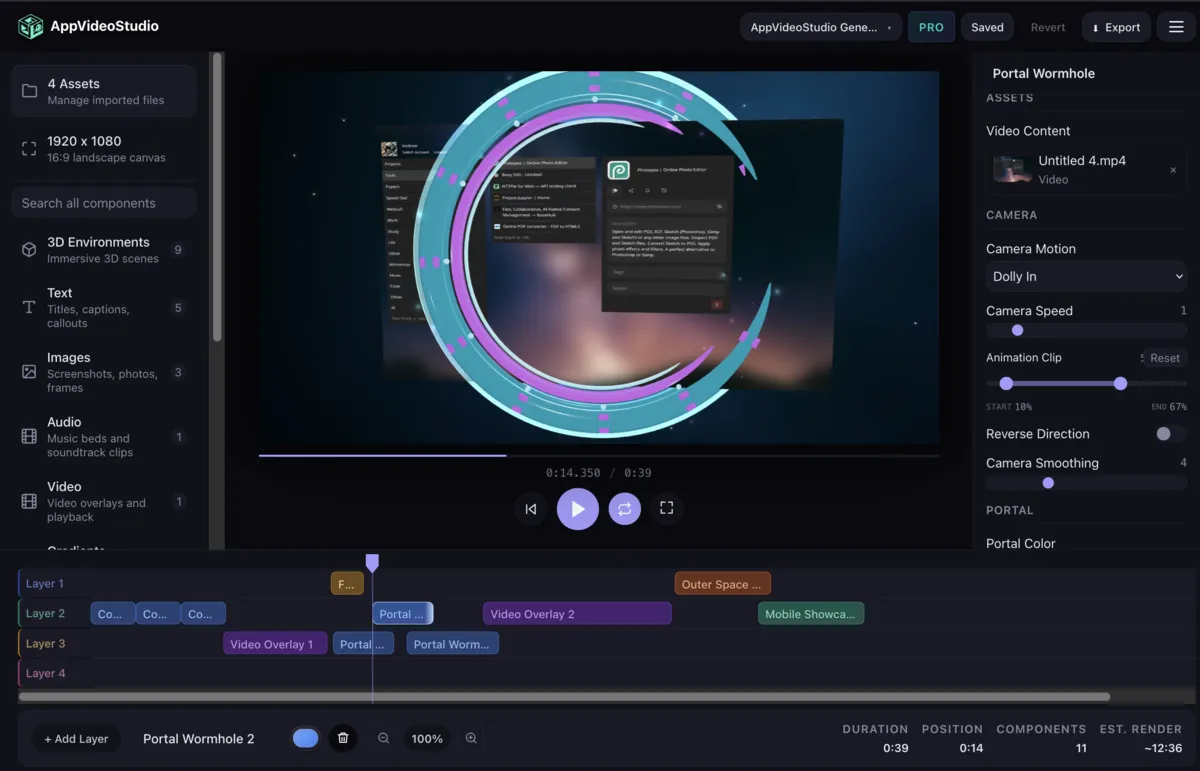
Built for Product Motion
App demos usually need a few things at once: a screen recording, staged framing around that screen, supporting captions or callouts, and transitions that keep the video moving without hiding the product. The timeline treats those as normal building blocks instead of edge cases.
- Layering lets scenes, overlays, and supporting motion coexist cleanly.
- Precise timing makes feature reveals feel intentional rather than improvised.
- Reusable component timing means intros, callouts, and end cards all fit into the same sequence model.
This is one of the biggest differences between AppVideoStudio and generic editors: the timeline is not just a place to trim footage. It is a layout system for app storytelling over time.
Multi-Layer Editing Without Losing the Narrative
The underlying document model supports explicit layers, timeline duration, and component windows. That means one scene can carry the product recording while another layer adds branded framing or explanatory context above it. The result feels composed instead of stacked together at the last minute.
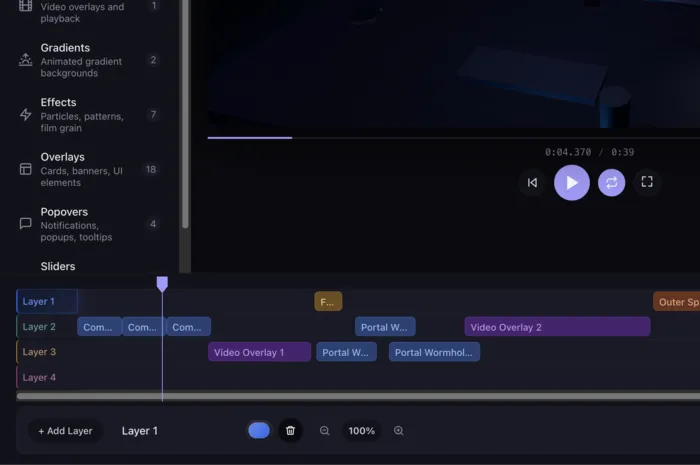
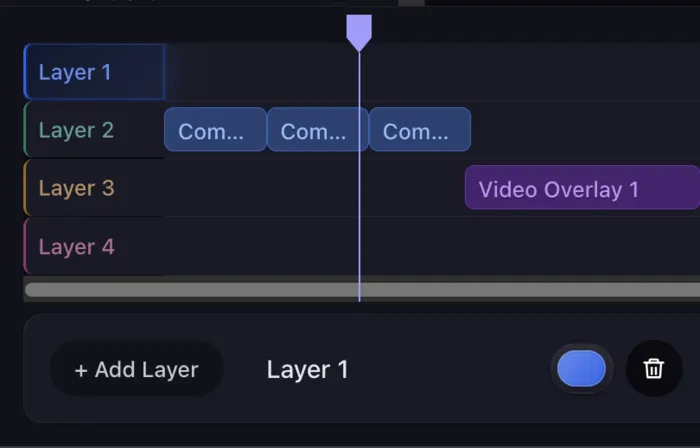
Made to Evolve with the Product
Product videos are not one-and-done assets. Screens change, copy changes, onboarding flows move, and pricing screens get updated. A timeline you can reopen and revise is far more durable than a polished export that has to be rebuilt every time the product changes.
This first draft page is intentionally short, but the direction is clear: the timeline is where AppVideoStudio stops being a gallery of templates and becomes a real production tool for software teams.